
キャンバス上ブラシエディタ
Krita's brush editor is on the F5 key by default. However, sometimes you just want to modify a single parameter quickly. Perhaps even in canvas-only mode.
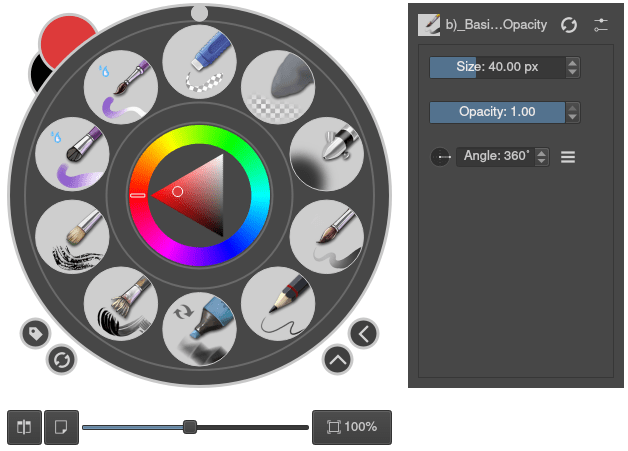
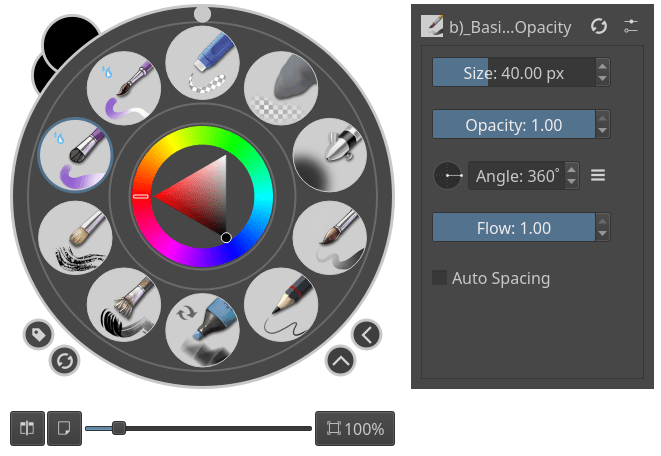
The on canvas brush editor or brush HUD allows you to do this. It can be accessed like other dockers, via .
表示される設定と並びはブラシ名隣の設定アイコンをクリックすることで変更することができます。

左側にあるのはすべて使われていない設定で、右側が使われている設定です。> と < ボタンを使って左右の設定を移動させることができます。サイズより流量の方を重視したいと思った時などは、上 と 下 ボタンで使っている設定の並びを調節することができます。
これらの設置はブラシエンジン ごと に行い、違う ブラシエンジン は違う設定を持つことになります。
バージョン 5.3 で変更: Since 5.3, this is now a docker.