Kleur

Vergelijkbaar met de aanpas-filters, zijn de kleurenfilters bewerkingen op de gehele afbeelding.

Kleur naar alfa

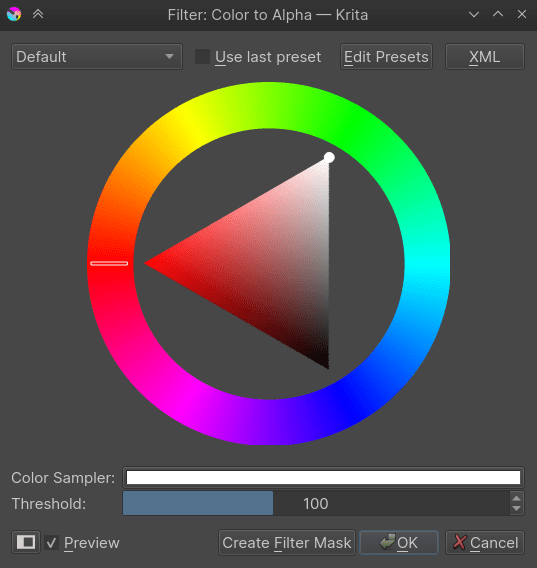
Met dit filter kunt u een enkele kleur transparant (alfa) maken. Als u dit filter gebruikt dan is standaard de kleur wit geselecteerd, maar u kunt elke gewenste kleur selecteren om deze transparant te maken.
../../_images/Color-to-alpha.png

De drempel geeft aan hoeveel andere kleuren een mix verondersteld te zijn de verwijderde kleur en niet verwijderde kleuren. Als bijvoorbeeld de drempel is ingesteld op 255, en de te verwijderen kleur is wit, dan zal een 50% grijs gezien worden als een mengsel van zwart+wit, en dus worden omgezet naar een 50% transparant zwart.
../../_images/Krita-color-to-alpha.png

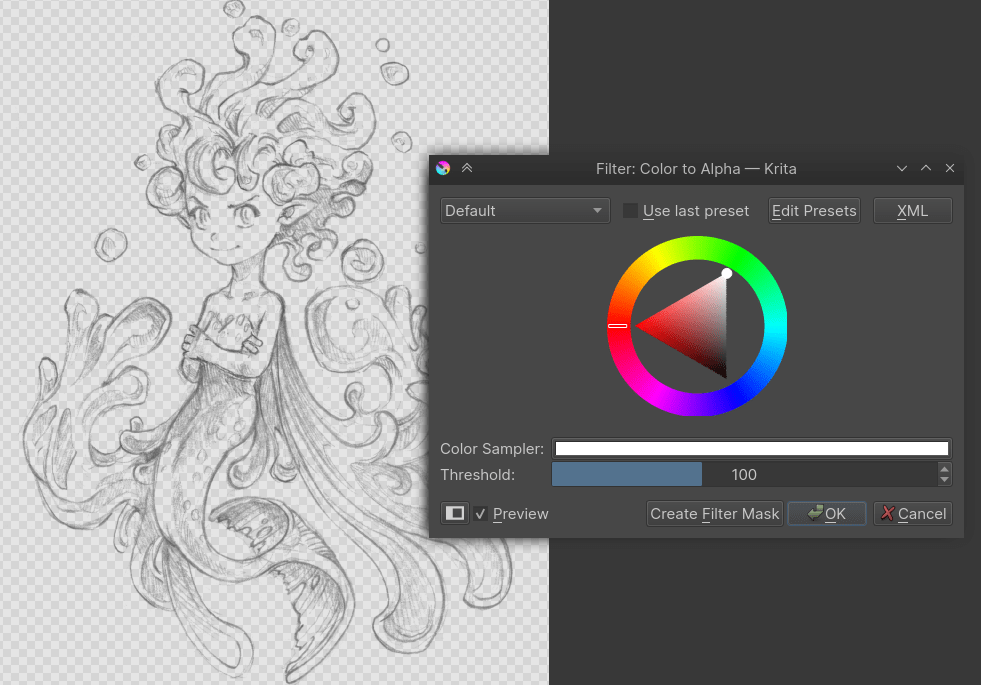
Dit filter is echt handig bij scheiden van lijnkunst van de witte achtergrond.

Fast Color Overlay

../../_images/fast-color-overlay-example.png

Left: original sketch. Center: Sketch with Fast Color Overlay filter and Normal blending, Right: Sketch with Fast Color Overlay filter and Tint blending.

Added in version 5.3.

Tints an image with a single color. It is similar to HSV/HSL aanpassing with Colorize enabled, but much faster.

Kleur

The color to tint the image with.

Blend Mode

The blend mode to use to mix the color with the existing image.

Normal

This applied the color like a regular layer onto the input. This is useful for images where you want to have all opaque pixels the specified color, asif the layer were a single-color layer.

Tint

Interpolates between white and the current color. This is useful for images where you want to preserve any mid-tones.

Custom

Select any other blending mode you prefer.

Opacity

How opaque or transparent the selected color should be.

Kleuroverdracht

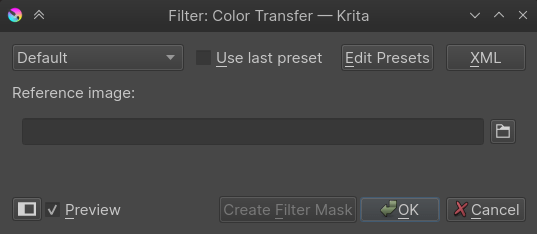
Dit filter converteert de kleuren van een afbeelding naar de kleuren van een referentie-afbeelding. Dit is een snelle manier om een kleurencombinatie van een kunstwerk om te zetten naar de kleuren van een al opgeslagen afbeelding of een referentie-afbeelding.
../../_images/Color-transfer.png

Kanaal maximaliseren

Dit filter controleert voor alle kanalen van elke kleur en wijzigt alle waarden behalve de hoogste naar 0.

Kanaal minimaliseren

Dit is het omgekeerde van Kanaal maximaliseren, het controleert voor alle kanalen van elke kleur en wijzigt alle waarden behalve de laagste naar 0.

Propagate Colors

This filter propagates, extends, the colors of [semi]opaque regions into the nearby fully transparent regions. This can be useful, for example, to automatically fill those areas in a way that there is a continuity in terms of color.

../../_images/propagate_colors_00.gif
Expansion Pattern

This option allows to choose in which directions the pixels should propagate.

../../_images/propagate_colors_01.png

From left to right: original image; rectangle shaped expansion (expand equally to orthogonal and diagonal directions); diamond shaped expansion (expand only to orthogonal directions); octagon shaped expansion (expand to orthogonal directions and a bit less to the diagonal directions).

Expansion Distance

The pixels can be propagated only up to a given distance, or indefinitely, so that all the transparent areas are covered end-to-end.

../../_images/propagate_colors_02.png

From left to right: original image; expanded image with unrestricted distance; expanded image with restricted distance.

Transparency Behavior

This option allows control over whether the alpha channel should also be expanded or remain untouched.

../../_images/propagate_colors_03.png

From left to right: the original image; the expanded image with expanded alpha channel; the expanded image preserving the alpha channel (note that it looks like the original one, although the color components were actually propagated into the transparent areas); image demonstrating the behavior of the previous example by applying a levels filter that makes the transparent areas semi-opaque to clearly see how the colors were truly propagated.