Escalat de la interfície
L'escala d'interfície del Krita utilitzarà automàticament l'escalat de la pantalla establerta en el sistema operatiu. Podeu desactivar aquest comportament mitjançant el paràmetre Activa el funcionament amb Hi-DPI.
També podeu forçar una escala d'interfície específica establint la variable d'entorn``QT_SCALE_FACTOR``. Un valor d'1 vols dir 100%, 1,5 és 150% i així successivament. No s'admeten els valors inferiors al 100%.
Escala d'interfície d'Android
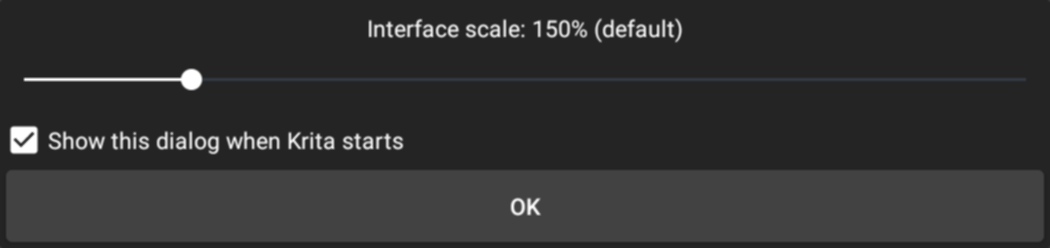
A l'Android, se us demanarà que ajusteu l'escala de la interfície quan s'iniciï el Krita. Canvieu el control lliscant per a fer la interfície més gran o petita. El 100% és el mínim, no es pot fer més petita d'això.
Després d'haver-lo vist una vegada, el Krita mostrarà l'opció per a desactivar el diàleg en iniciar. L'opció no apareix la primera vegada per a assegurar-se que teniu una manera de posar una escala incorrecta tancant i reobrint el Krita.
Podeu tornar a portar el diàleg manualment mitjançant a la barra de menús superior.
Si desactiveu el paràmetre Activa el funcionament amb Hi-DPI, el diàleg no estarà disponible fins que torneu a habilitar la configuració i reinicieu el Krita.